How to Manage Social Media Across Time Zones Without Working 24/7
|
6
min read
How to Manage Social Media Across Time Zones Without Working 24/7
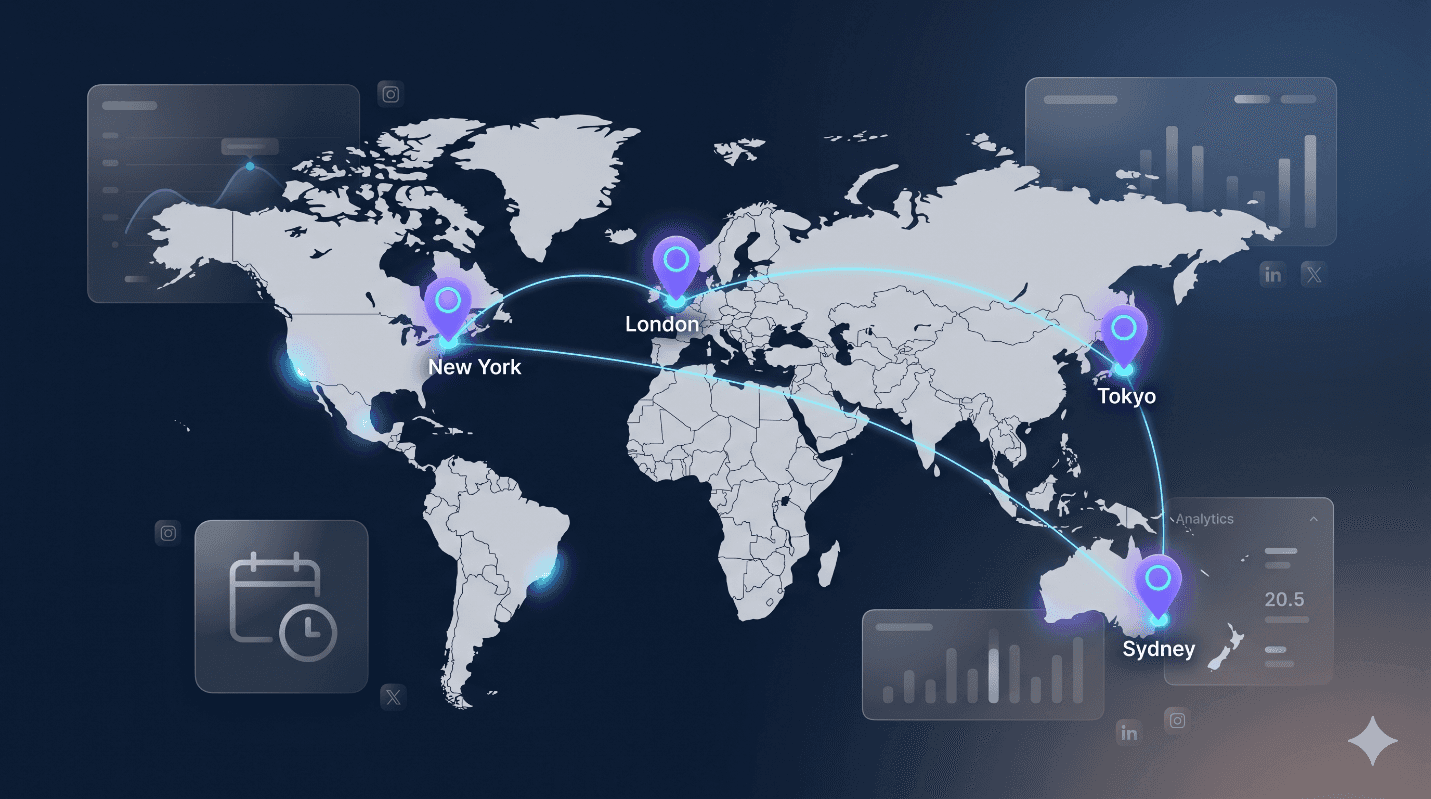
Managing social media across time zones shouldn’t mean working around the clock—but for many teams, it still does. You shouldn’t have to wake up at 3 AM just to hit “publish” for your audience in Tokyo or stay online until midnight to catch your London followers. The good news? With the right setup, you can stay consistent across time zones without burning yourself out.
Why Time Zone Management Matters for Global Brands
When you manage social media across time zones, you’re not just dealing with clock differences. You’re dealing with different engagement windows, cultural differences, and algorithms that favor recent content. A post published at 9 AM EST might reach your New York audience perfectly, but it’s likely missed by your followers in Sydney, who are already wrapping up their day.
In most cases, timing makes a big difference. For example, Instagram posts often get noticeably more engagement when published during local peak hours. LinkedIn content performs 60% better when timed to business hours in the target region. Twitter (X) engagement drops significantly outside of local waking hours. It’s pretty simple—post at the wrong time, and your content gets buried before anyone sees it.
The Hidden Cost of Poor Time Zone Strategy
Reduced reach: Algorithms deprioritize content that doesn’t generate quick engagement.
Wasted creative effort: Great content fails because of bad timing.
Team burnout: Manual posting across time zones leads to unsustainable schedules.
Inconsistent brand presence: Gaps in posting create a perception of unreliability.
The solution isn’t working round-the-clock—its building systems that work while you sleep.
Finding Optimal Posting Times for International Audiences
Before you can master social media scheduling, you need to understand when your specific audiences are actually online. This means going beyond generic “best time to post” advice and looking at your own data.
How to Analyze Your Global Audience
Start by identifying where your followers actually live. Most social platforms provide geographic insights in their native analytics. Look for:
Top countries and cities by follower count
When your current posts get the most engagement by region
Patterns in website traffic from social referrals by time zone
Once you have this data, map it against local business hours and cultural norms. B2B content performs best during business hours (9 AM–5 PM local time), while B2C content often sees better engagement during commute times, lunch breaks, and evening leisure hours.
The “Golden Overlap” Strategy
Instead of trying to hit every time zone perfectly (impossible without automation), identify overlap periods where multiple key markets are active. For example:
US East Coast + Europe: 9 AM EST = 2 PM GMT (good for B2B)
US West Coast + Asia-Pacific: 6 PM PST = 9 AM JST next day
Global evergreen content: Schedule for your largest single market, then supplement with time zone-specific posts
Building a Sustainable Cross-Time Zone Scheduling Strategy
The key to working across regions without burnout is front-loading your work. Create content in batches, schedule it intelligently, and let automation handle the distribution while you focus on strategy and community management.
The Batch-and-Schedule Method
Instead of creating content daily, dedicate specific days to content production:
Monday: Strategy and planning
Tuesday–Wednesday: Content creation (writing, designing, filming)
Thursday: Scheduling and optimization
Friday: Community engagement and performance review
This approach helps you focus better instead of constantly switching between tasks. It also ensures consistent posting even when you’re offline.
Content Buckets by Time Zone
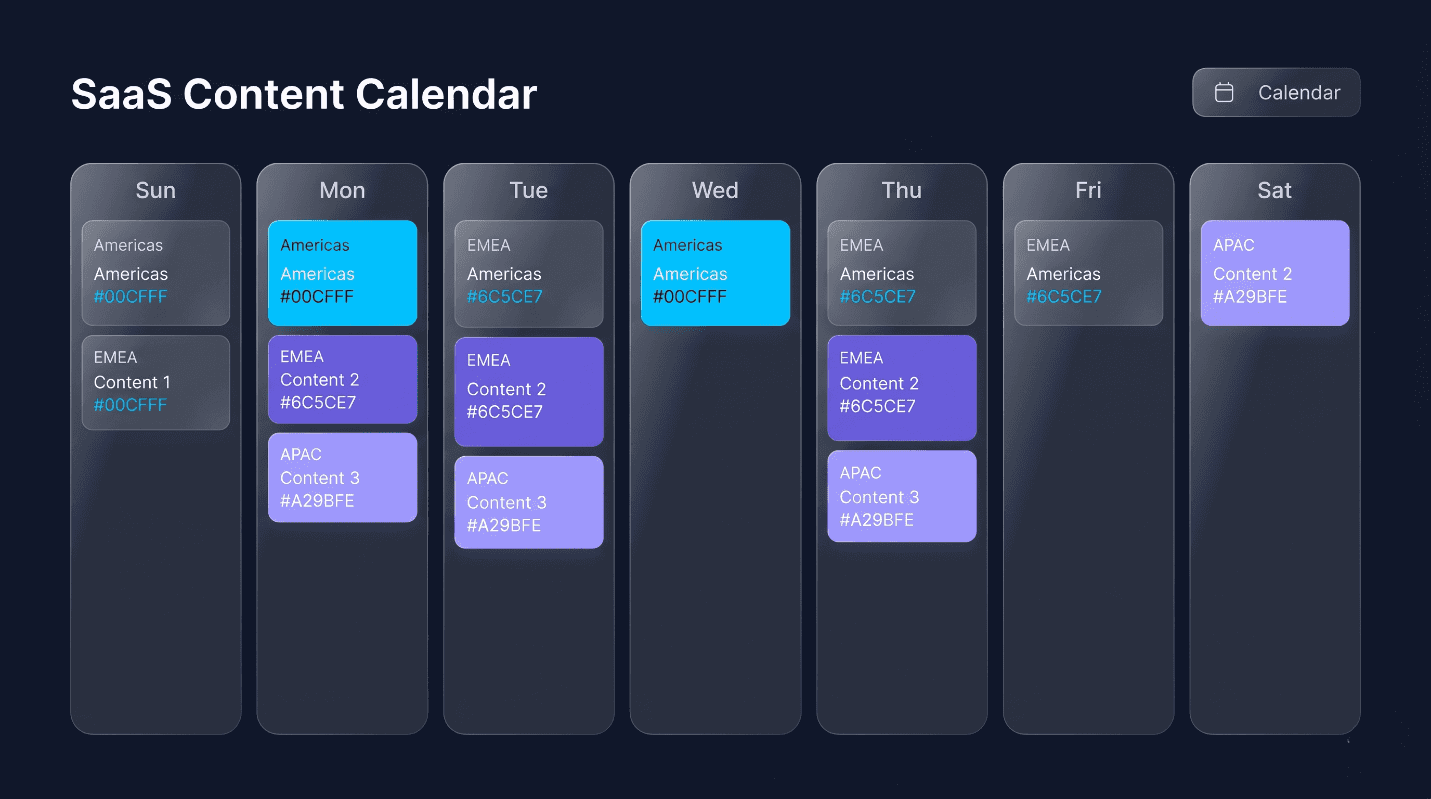
Organize your content calendar into time zone-specific buckets:
Americas-focused content: Industry news, morning motivation, end-of-day wrap-ups
EMEA-focused content: Mid-day thought leadership, European market insights
APAC-focused content: Morning updates, regional spotlights, cultural content
Global evergreen content: Universal tips, behind-the-scenes, and user-generated content
A robust content calendar management system is essential for visualizing these buckets and ensuring balanced coverage across regions. The right tool lets you see all your time zone-specific content at a glance, drag-and-drop posts between time slots, and automatically adjust for local peak engagement hours.
Essential Automation Tools for Time Zone Management
You can’t manage social media across time zones effectively without the right technology stack. Modern social media scheduling tools have evolved far beyond simple “post later” functionality.
Must-Have Features for Global Teams
Timezone-aware scheduling: Set posts to publish at specific local times regardless of where you’re located.
Best time recommendations: AI-powered suggestions based on your audience’s activity patterns
Queue systems: Automatically fill posting slots with pre-approved content
Approval workflows: Route content to regional managers for cultural review before posting
Cross-platform publishing: Adapt content for different platforms while maintaining consistent timing
Automation Without Losing the Human Touch
The fear of automation is that content becomes robotic. Avoid this by:
Scheduling posts but remaining available for real-time engagement (set notification windows during your working hours)
Using automation for distribution, not creation, keep content human-written and authentic
Building in “trigger events” where scheduled content can be paused if major news breaks
Creating region-specific variations rather than identical cross-posting
Asynchronous Team Workflows That Actually Work
If you’re working with a global team or managing social media for international clients, asynchronous communication becomes your superpower. The goal is simple—set things up so work keeps moving, even when your team isn’t online at the same time.
The Handoff System
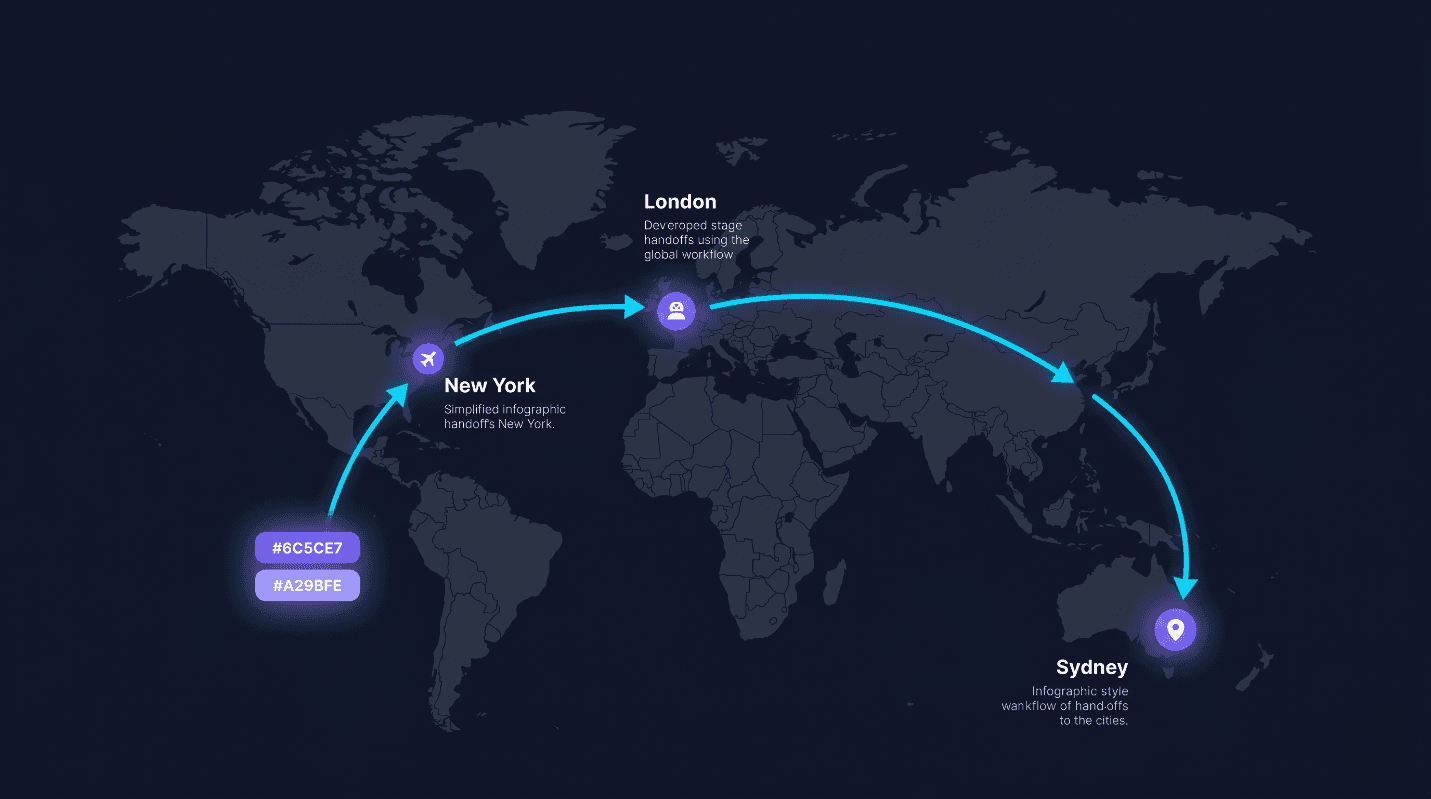
Structure your team so that work naturally progresses across time zones:
Sydney team: Creates morning content for APAC, reviews overnight global engagement
London team: Takes over midday, focuses on EMEA content and community management
New York team: Handles Americas’ evening content and prepares next-day queue
Each team documents their work thoroughly so the next time zone can pick up seamlessly. Use shared dashboards showing what’s scheduled, what’s pending approval, and what needs immediate attention.
Content Libraries and Templates
Reduce repetitive work by building reusable assets:
Approved image templates with regional variations
Caption frameworks that can be localized quickly
Response templates for common customer service inquiries
Cultural guidelines for each major market
A well-organized content library ensures anyone on the team can find and adapt assets quickly, maintaining consistency even when working asynchronously.
Smart Duplication for Regional Variations
Don’t reinvent the wheel for every market. Use post-duplication features to clone successful content, then customize for local audiences. Change the language, adjust cultural references, modify the image text, and reschedule for local peak times, without starting from scratch. This saves hours of work while ensuring each region gets optimized content.
Common Time Zone Mistakes to Avoid
Even experienced social media managers fall into these time zone traps. Learn from others’ mistakes:
Mistake 1: Ignoring Daylight Saving Time
Not all countries observe daylight saving time, and those that do don’t switch on the same dates. A post scheduled for 9 AM London time will suddenly publish an hour off when the UK springs forward but New York hasn’t yet. Use scheduling tools that automatically handle DST transitions.
Mistake 2: Cultural Blind Spots
Time zones aren’t just about clocks, they’re about culture. Posting “Happy Monday motivation!” content when it’s actually Tuesday morning in Sydney creates confusion. Always include the day and date in timezone-specific content or stick to timeless messaging.
Mistake 3: Over-Scheduling and Under-Engaging
Automation handles publishing, but it can’t replace human interaction. If you’re scheduling posts for time zones where you have no team coverage, you’re essentially broadcasting without listening. Either ensure community management coverage for those regions or limit scheduled posts to times when you can respond to comments.
Mistake 4: Platform-Specific Timing Ignorance
Each platform has different engagement patterns. LinkedIn professionals check during commute and lunch hours. Instagram users browse during evening downtime. Twitter sees spikes during live events. Your content calendar should account for these platform nuances, not just geographic time zones.
Your 7-Day Action Plan
Ready to implement what you’ve learned? Here’s your week-one roadmap:
Day 1: Audit Your Current State
Export follower location data from all platforms
Identify your top 3 geographic markets.
Review past posts to see which times generated the highest engagement by region
Day 2: Map Your Coverage Gaps
List the time zones you need to cover.
Identify when you currently have no posting or engagement coverage
Note any regional holidays or cultural events that affect engagement.
Day 3: Choose Your Tech Stack
Evaluate scheduling tools with timezone features
Set up your content calendar with timezone views.
Configure approval workflows if working with a team
Day 4: Build Your Content Buckets
Create 4 content categories (Americas, EMEA, APAC, Global)
Draft 5 evergreen posts for each category
Develop 3 templates for quick regional customization
Day 5: Schedule Your First Week
Schedule posts for optimal times in each target zone
Set up monitoring notifications for engagement windows
Create a simple dashboard to track performance
Day 6: Test and Refine
Post at “off-peak” times to test audience behavior
Try the same content at different times in different regions.
Document what works in your content library
Day 7: Review and Optimize
Analyze performance data from your first week
Adjust posting times based on actual engagement
Plan next week’s content with learnings applied
Work Smarter, Not Harder.
Handling multiple time zones doesn’t require a 24/7 lifestyle, it requires strategic thinking, smart tools, and well-designed workflows. By batching your content creation, automating your distribution, and building asynchronous team systems, you can maintain a global presence without burning yourself out.
The goal isn’t to be everywhere at once. It’s to be in the right places at the right times, consistently, without sacrificing your work-life balance. Start with one new time zone strategy this week, measure the results, and build from there. Your global audience and your sleep schedule will thank you.
Free resource
Get the checklist


