Healthcare Marketing Automation: Complete Guide for Hospitals
|
9
min read

Healthcare Marketing Automation: Complete Guide for Hospitals
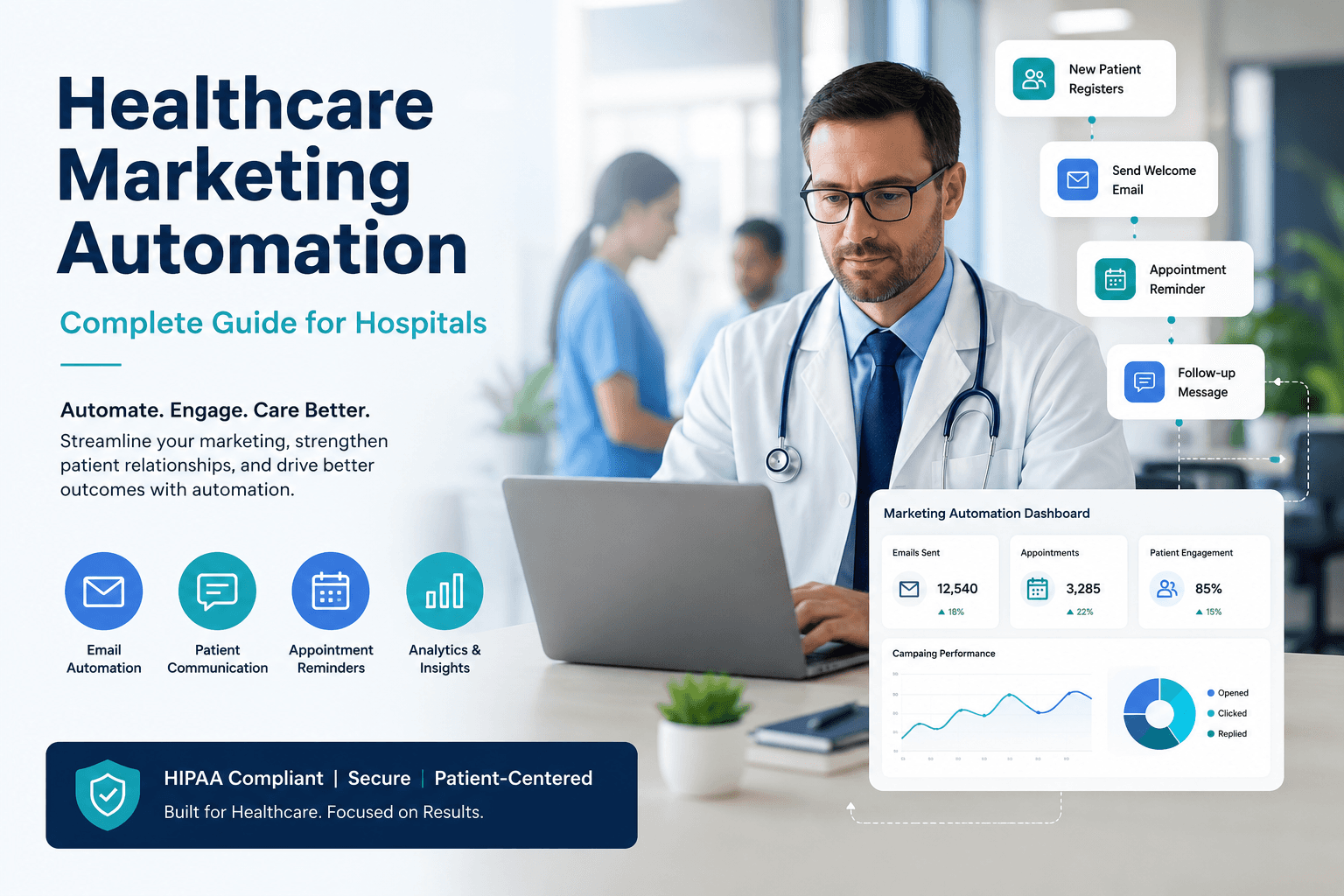
Most hospital marketing teams spend 60% of their week on repetitive tasks that could run themselves. Appointment reminders sit unsent. Email follow-ups stall. Social posts go live late because someone called in sick. Healthcare marketing automation changes that math. It does not replace your team. It frees them to focus on patient conversations and creative work that actually moves the needle. This guide walks through exactly how to make automation work inside a real hospital environment, where HIPAA matters, patient trust is fragile, and generic marketing advice falls apart.
Key Takeaways
Automation handles repetitive work like scheduling, segmentation, and follow-up so your team focuses on strategy and patient relationships.
A healthcare-grade marketing automation platform must support HIPAA compliance, patient data safety, and integration with your EHR or CRM.
The most successful hospital automations feel personal, not robotic. Triggered emails based on patient actions outperform batch blasts by 3x engagement.
Multi-location healthcare groups can unify brand voice while giving each clinic local control through the right automation setup.
Starting with just two automated workflows (appointment reminders and post-visit follow-up) typically recovers 5 to 8 hours per week for a small marketing department.
Measuring opens and clicks is not enough. Track patient acquisition, no-show rate reduction, and repeat visit percentage to prove ROI.
A phased rollout, not a big bang launch, prevents team burnout and gives you clean data to optimize.
What Healthcare Marketing Automation Actually Means
Healthcare marketing automation is software that triggers marketing actions based on patient behavior, timing, or clinical events, without manual intervention. It goes way beyond email blasts. It includes SMS reminders, social media scheduling, lead nurturing for service lines, patient re-engagement campaigns, and even reputation management prompts.
For a hospital, the difference between a generic marketing automation platform and one built with healthcare in mind comes down to three things: data security, patient journey mapping, and integration with systems you already use. A wellness spa can automate "Hey, book a massage" without thinking twice. A hospital sending a colonoscopy reminder has to consider PHI, communication preferences, and clinical appropriateness.
Smaller healthcare organizations often assume automation is only for huge health systems. That is outdated thinking. A medical clinic with three providers can automate new patient welcome sequences just as easily as a 500-bed hospital can. The tools have matured enough that complexity scales with need, not budget.
Why Automation Matters More in 2026 Than Ever Before
Patient expectations shifted permanently. People book dinner reservations and doctor appointments from the same phone. They expect confirmation texts, reminder texts, and follow-up texts. When they do not get them, they assume the provider is disorganized or outdated.
Meanwhile, healthcare labor shortages continue. Marketing departments are not getting bigger. The only way to maintain consistent patient communication with a lean team is through intelligent automation. It is the difference between a dental practice that fills hygiene cancellations automatically with a waitlist SMS and one that leaves money on the chair.
Automation also solves a subtle but massive problem: inconsistency. Before automation, a behavioral health center I worked with sent intake follow-up emails manually. Some therapists sent them, some forgot. Patient engagement was all over the place. After automating a two-email post-intake sequence, show rates for the second appointment jumped. The message stayed exactly the same every time. The timing was perfect. Patients felt more cared for, not less.
Choosing the Right Marketing Automation Platform for Healthcare
Not every marketing automation platform fits healthcare. The decision is more nuanced than feature checklists. Here is what actually matters when hospitals evaluate options.
HIPAA compliance is non-negotiable. The platform must sign a Business Associate Agreement (BAA) and encrypt data at rest and in transit. If a vendor hesitates on the BAA, walk away.
EHR and CRM integration. Automation works best when it talks to your patient database. If a patient has an upcoming appointment, the system should know. If they missed one, it should trigger a re-engagement flow. Manual exports defeat the purpose.
Multi-location governance. For a multi-location healthcare group, the platform must allow centralized brand control with local autonomy. The orthopedic practice in one county might want different SMS wording than the cardiology group across town. Both must stay on brand.
A useful shortcut: look at how a platform handles social media automation specifically. Many tools bolt on social scheduling as an afterthought. But social media is now a primary channel for patient engagement, not a secondary one. If the platform treats social scheduling like a calendar with icons, you will outgrow it in six months. A platform that integrates healthcare social media management deeply with automation workflows saves an enormous amount of time. (Check out this complete guide to healthcare social media management for what good looks like.)
Practical Automation Workflows That Get Results
Forget the shiny demos. Start with workflows that directly impact patient experience and operational efficiency. Here are six that produce measurable outcomes across different healthcare settings.
1. Appointment Reminder and Confirmation Sequences
A hospital sends an email reminder 72 hours out, an SMS 24 hours out, and a final SMS one hour before the visit. Each message includes directions, parking info, and prep instructions. No-show rates drop 20% to 30% in most implementations. Dental practices using this see immediate chair fill improvements.
2. Post-Visit Follow-Up with Satisfaction Survey
Two hours after a visit, the patient gets a brief "How are you feeling?" message plus a one-question satisfaction survey. If they rate poorly, the system alerts the practice manager. If they rate well, it sends a request for a Google review. Behavioral health centers use this to check in safely while gathering feedback that would otherwise vanish.
3. Service Line Nurture Sequences
A woman downloads a guide on joint replacement from your website. Over the next three weeks, she receives helpful emails about preparation, recovery timelines, and patient stories. The sequence does not push for a consultation until the fourth touch. Private practices using this approach see higher conversion because the patient arrives educated and confident.
4. Lapsed Patient Re-engagement
Patients who have not visited in 12 or 18 months automatically receive a warm check-in email: "It has been a while. Here is what is new at our practice." The email links to an easy online scheduling page. For medical clinics with seasonal fluctuations, this smooths revenue and keeps preventive care on track.
5. Social Media Content Automation
Pre-approved posts for health observances, provider spotlights, and patient education go live across Facebook, Instagram, and LinkedIn without daily manual effort. However, healthcare teams must keep the ability to pause or adjust quickly for emergencies or news. The right healthcare content marketing strategy pairs scheduled posts with real-time engagement.
6. Internal Alert Workflows
Automation is not just external. When a negative review appears, the system alerts the marketing lead and clinic manager. When a campaign hits a lead goal, it notifies the director. These small automations remove stress and prevent missed opportunities.
Automation Examples Across Healthcare Settings
Different organizations need different automation priorities. Here is a quick reference for what to tackle first.
Hospitals. Start with appointment reminders and post-discharge follow-up. Integrate with your patient portal to trigger educational content based on diagnosis codes. A cardiac patient receives heart-healthy recipes and exercise guidance automatically.
Medical Clinics. Automate new patient onboarding and annual wellness visit reminders. A family medicine clinic can send age-appropriate screening reminders (mammogram, colonoscopy) based on patient demographics stored in the system.
Dental Practices. Hygiene recall automation is the single highest-ROI workflow. When a patient is due for cleaning, the system sends a friendly nudge with a scheduling link. Combine this with birthday messages and treatment plan follow-ups.
Behavioral Health Centers. Sensitivity is paramount. Automate intake paperwork delivery and first-session preparation guidance. Trigger a gentle check-in after a missed session, but never automate anything that replaces the therapist's clinical judgment.
Multi-location Groups. Use a platform that supports location-level customization while pulling analytics into a single dashboard. One social media manager can oversee content for 10 locations without an agency if the automation is set up correctly. (See how to manage 10 locations on social media without an agency for a real-world breakdown.)
Private Practices and SMBs. Keep it simple. Automate appointment reminders, review requests, and a monthly newsletter. Most small practices see huge time gains from just those three.
Setting Up Automation Without Losing the Human Touch
The biggest fear healthcare teams have about automation is sounding robotic. It is a valid worry. Automated messages that read like a terms-of-service update destroy trust. The fix is straightforward: write every automated message as if you were texting a colleague, not a database record.
Use merge fields sparingly. A first name is fine. Dropping in the exact time of the last visit can feel creepy if overused. Segment patients by relationship length. A patient of ten years should not receive the same "Welcome to our practice!" language as someone brand new.
Test every automation yourself first. Sign up with a test email. Go through the flow. If you cringe at any message, rewrite it. Involve a nurse or front-desk staff member in the review. They will catch tone issues faster than any marketer.
Common Automation Mistakes That Waste Budget
Buying the most expensive platform before defining needs. A small private practice does not need enterprise-grade lead scoring. Start with your top two pain points, solve them, then expand. You can often accomplish 80% of what you need with a platform that costs a fraction of the enterprise options.
Automating broken processes. If your manual follow-up is inconsistent, automating a bad message simply sends that bad message faster. Fix the content and timing first. Then automate it.
Ignoring opt-out and consent management. Healthcare is not e-commerce. Texting a patient who opted out is a legal risk. Audit consent records before flipping the switch on any SMS automation.
Setting and forgetting. Automation requires maintenance. Review performance monthly. Adjust messages that underperform. Remove sequences that are no longer relevant.
How to Get Team Buy-In for Automation
Clinicians and staff often resist automation because they fear it will replace their judgment or, worse, their jobs. Frame it differently: automation handles the administrative noise so they can focus on patient care. Show them a typical week. Count the hours spent on manual reminders, scheduling back-and-forth, and data entry. Translate that into patient appointments or extra clinical time. The math speaks loudly.
Run a 30-day pilot with one workflow. Let the team see what changes. Once they experience the reduction in late-night "Did I send that email?" anxiety, resistance fades.
If your organization spans multiple locations, give each clinic manager a view into the automation dashboard. Transparency breeds trust. They see the system is a tool, not a black box.
Measuring Automation Success Beyond Vanity Metrics
Opens and clicks matter only if they lead to patient action. For a hospital, better metrics include:
Reduction in no-show rate (percentage)
Time from referral to first booked appointment (days)
Patient reactivation rate (percentage of lapsed patients who returned)
Cost per new patient acquired through automated campaigns
Staff hours saved per week (calculated from time studies)
Set a baseline for each before launching automation. Without a baseline, you have no proof of impact.
For multi-location groups, compare performance across locations. If one clinic has a 5% no-show rate and another has 15%, dig into the difference. Often the gap is simply consistent automation usage.
Healthcare digital marketing is evolving rapidly. Automation is not a set-it-and-forget-it replacement for strategy. It is the engine that lets your strategy run at full speed without burning out your team. The organizations seeing the biggest wins pair automation with human oversight and continuous testing. They also lean into AI where it genuinely helps, without handing over the keys entirely. For a practical look at how AI fits into the broader picture, read this practical AI healthcare marketing guide.
Comparing Manual Processes vs. Automated Workflows
Task | Manual Process | Automated Process | Time Saved per Week |
|---|---|---|---|
Appointment reminders | Staff calls or manually sends emails | Triggered email, SMS, or voice sequence based on appointment date | 4-6 hours |
Post-visit follow-up | Relies on provider memory or admin list | Automatic email/SMS triggered 2 hours after visit | 3-5 hours |
Social media posting | Manually posting to each platform daily | Pre-scheduled and approved content across platforms | 5-8 hours |
Review generation | Asking patients verbally, inconsistent | Automated SMS with survey link and review prompt based on visit | 3-4 hours |
Lapsed patient outreach | Manual list pull, merge, send | Trigger based on last visit date, personalized | 6-10 hours |
The table makes the case clearly. Automation does not cut jobs. It reclaims time that was never being spent strategically anyway.
What to Look for in a Platform Today
When comparing options, prioritize platforms that understand healthcare specifically. A generic tool that also does real estate and e-commerce will struggle with healthcare's nuance. Look for HIPAA compliance, BAA willingness, and integration with your scheduling or EHR system. Assess the social media capabilities. If you spend significant time on social, a platform that combines automation with robust healthcare social media management eliminates tool-switching. Verify that the pricing model scales for multi-location groups without punishing you for each additional user or location.
Sociali.ai was built specifically for healthcare organizations managing patient communication and social media at scale. It handles the compliance heavy lifting while giving teams the automation power they need without the enterprise complexity. See how it compares to other tools in this detailed comparison of Sociali.ai vs Sprout Social for hospitals and DSOs.
Frequently Asked Questions
Is healthcare marketing automation HIPAA compliant?
It can be, but you must verify the platform signs a BAA and encrypts all protected health information. Never assume compliance. Ask for documentation and review it with your privacy officer before loading any patient data.
How much does a marketing automation platform cost for a small practice?
Costs range from $50 to $500 per month depending on features and patient volume. Some platforms offer scaled pricing for smaller practices. Avoid long-term contracts until you have used the tool for at least two months.
Can automation replace my front-desk staff?
No. Automation handles repetitive outreach like reminders and follow-ups. Your front-desk team remains essential for answering questions, handling complex scheduling, and providing the human connection patients value most.
What is the first automation a hospital should set up?
Appointment reminders and confirmations. They are simple to implement, dramatically reduce no-shows, and give your team an immediate win that builds confidence for more complex workflows.
How do I measure ROI for healthcare marketing automation?
Track no-show rate reduction, patient reactivation numbers, staff hours recovered, and new patient acquisition cost. Compare these numbers to your pre-automation baseline to calculate clear ROI.
Can behavioral health practices use automation safely?
Yes, with careful boundaries. Automate administrative tasks like intake paperwork delivery and appointment reminders. Keep clinical communication out of automated sequences unless clinically supervised and consented to.
What happens if a patient opts out of automated messages?
The system must immediately suppress all automated communications to that patient across every channel. Audit this regularly to stay compliant with TCPA and healthcare consent regulations.
Do I need a developer to set up healthcare marketing automation?
Most modern platforms are designed for marketing teams, not IT departments. You can build workflows with drag-and-drop editors. However, integration with your EHR may require some IT support initially.
Healthcare marketing automation is not about replacing the human side of patient relationships. It is about clearing away the repetitive busywork that keeps your team from doing what they do best: connecting with patients and growing your organization's impact. If you are ready to see how a platform built specifically for healthcare can automate your marketing while keeping patient trust front and center, explore the Sociali.ai Healthcare Solution.
Free resource
Get the checklist